2025/11/19 Day1406 【英作 for 推し #38】
2025年11月20日 (PST)に、hololiveがTwitchと提携して「holoday」というTwtichでのイベントをやる。
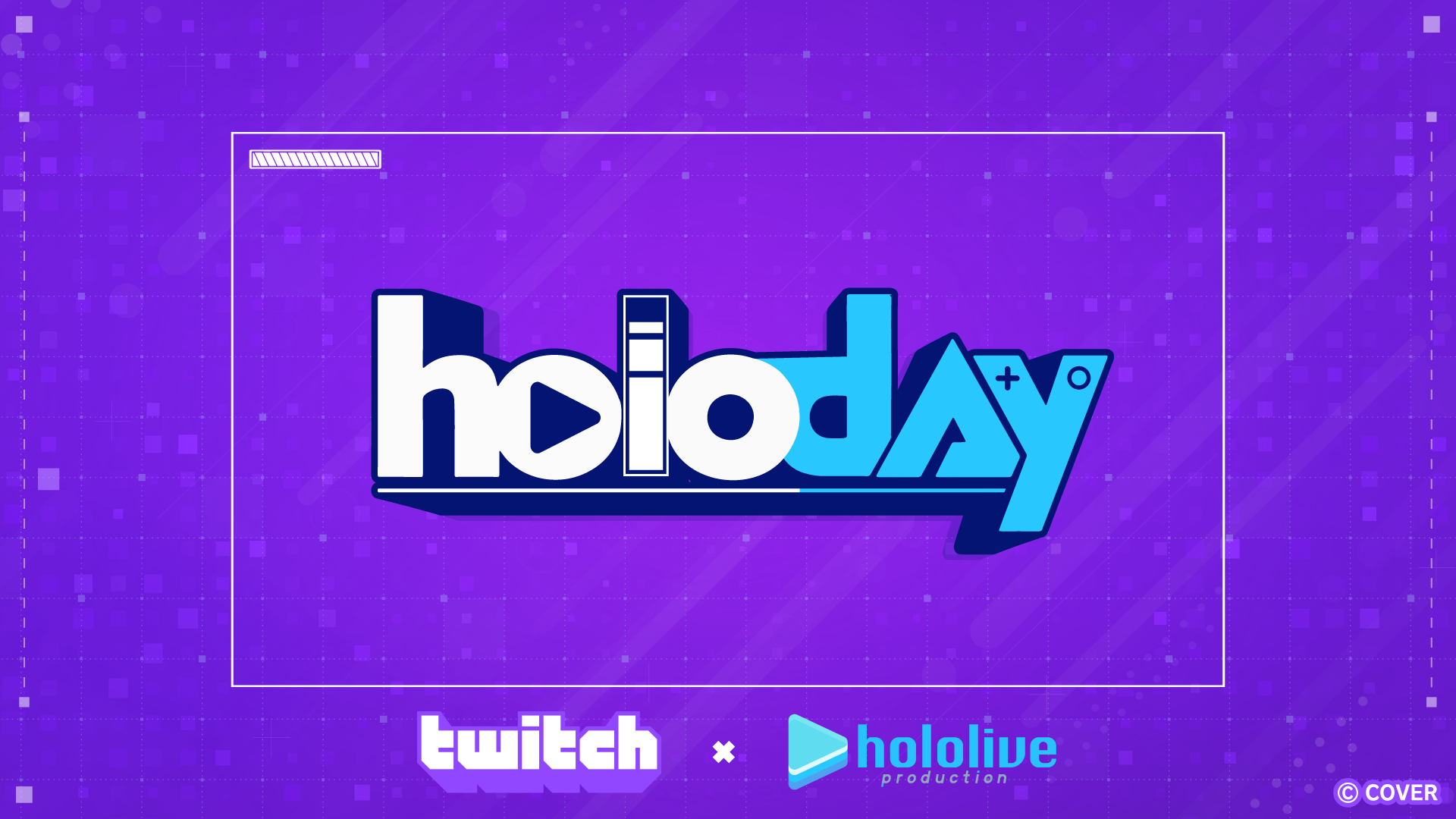
今回のholoiveイベント、JPじゃなくてENとIDメンバー、さらにHOLOSTARS ENのメンバーが参加するらしい。
これをきっかけにholoENのメンバーがTwitchに力を入れ始める可能性あるし、Ironmouseが主として配信してるのもTwitchだし、海外の人でTwitch使って配信してる人たくさんいるしってことで、英語習得用ツールとしてのTwitchの利用をちょっと前から検討中なんだけど、一個懸念点があった。
字幕が使えないアーカイブが多い。
字幕がなくても英語のインプットはできるけど、実際に何を言っていたのかを確認できないのはちょっと不便かな。
英会話の講師の方とそれについて話してたら、Chromeブラウザの「Live Caption」機能というものを教えてくれた。普通に「設定」をいじれば使えるようになる。
ライブキャプションは音声をリアルタイムで文字おこししてくれる機能なんだけど、驚異的なのは動画を再生しているプラットフォーム関係なく、すべて文字お越ししてくれること。
しかもライブ配信中の言葉まで文字にしてくれる(ライブ配信中は配信画面に集中したいから使う機会あまりないかもしれないけど)
教えてもらったときは神機能かと思ったけど、Live Caption機能にはちょっと使いずらいところがある。
それについて、Shioriがよく使う口癖とShioriの配信内の英語を使いながら英作
参考にした配信↓
Channel: Shiori Novella Ch. hololive-EN
The stream title: Help! I’ve Been Isekai’d & Require Heavy Backseating 【Geoguessr】
- My Original Sentence
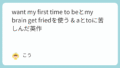
- プロンプト
- Feedback from ChatGPT
- “At first I was like ‘Holy crap! Why didn’t anyone tell me there is an ultimate Chrome feature called Live Caption!'”
- “But now that I use it actually, there’s some time lag between sound and caption.”
- “Umm… do I need to abort this plan?”
- “You say ‘Abort abort’?”
- “Nah, it’s too fast to give up in my assumption.”
- “There are solutions somewhere I guess.”
- Summary
- Edited version
- とりあえず、Twitchの字幕問題をどうにかしたい
My Original Sentence
At first I was like “Holy Crap! Why didn’t anyone tell me there is an ultimate chrome feature called Live Caption!”
But now that I use it actually, there’s some time lag between sound and caption.
Umm… do I need to abort this plan?
You say “Abort abort”?
Nah, it’s too fast to give up in my assumption.
There are solutions somewhere I guess.
プロンプト
At first I was like “Holy Crap! Why didn’t anyone tell me there is an ultimate chrome feature called Live Caption!”
But now that I use it actually, there’s some time lag between sound and caption.
Umm… do I need to abort this plan?
You say “Abort abort”?
Nah, it’s too fast to give up in my assumption.
There are solutions somewhere I guess.abortを使って上記の英語を作ってみました。
この英語はVTuberの配信で使われるようなカジュアルな雰囲気を自然に出せていますか?
全体と一文ずつで判定してください。
致命的に不自然な箇所や致命的な文法ミス以外は指摘しなくて大丈夫です。
Feedback from ChatGPT
Overall:
Yes — the vibe is casual, playful, and the use of “abort” fits VTuber-style speech.
It sounds like someone reacting in real time and joking with themselves.
The tone is good.
Now sentence-by-sentence (with naturalness notes):
“At first I was like ‘Holy crap! Why didn’t anyone tell me there is an ultimate Chrome feature called Live Caption!'”
✔ Natural and very streamer-like.
This is exactly how people talk when reacting dramatically.
Minor detail: Chrome should be capitalized (you already did). Good.
“But now that I use it actually, there’s some time lag between sound and caption.”
✔ Meaning is clear and natural enough.
If you want a slightly smoother version:
But now that I’m actually using it, there’s a delay between the audio and the caption.
But your original sentence is not “wrong.” Just slightly stiff.
“Umm… do I need to abort this plan?”
✔ Very natural. Perfect tone.
Sounds humorous, like you’re talking to chat.
“You say ‘Abort abort’?”
✔ This line feels playful and meta — fits streamer talk.
Maybe slightly more natural if phrased like:
Do I just go like, “Abort! Abort!”?
But again — your version is understandable and fine.
“Nah, it’s too fast to give up in my assumption.”
⏳ This sentence is the only part that feels unnatural.
The expression “in my assumption” isn’t something native speakers say in casual talk.
A natural version keeping the tone:
Nah, it’s way too early to give up.
or
Nah, it’s too soon to give up.
That alone keeps the vibe perfectly.
ここだけ不自然らしい。in my assumptionが不自然らしいけど、Shioriはこの表現よく使うのでこのままにする。
それより、fast→earlyの部分は修正しておこう。ここはspeedの話じゃなくてtimingの話だから。
“There are solutions somewhere I guess.”
✔ Understandable, but slightly smoother as:
There’s gotta be a solution somewhere, I guess.
That version is more conversational.
ここは提案してもらった文を使おう。
Summary
- Tone: casual, expressive, streamer-friendly
- Use of “abort”: perfect and natural for this style
- Only one line (“in my assumption”) feels unnatural.
Edited version
At first I was like “Holy Crap! Why didn’t anyone tell me there is an ultimate chrome feature called Live Caption!” But now that I’m actually using it, there’s a delay between the audio and the caption. Umm… do I need to abort this plan? You say “Abort abort”? Nah, it’s way too early to give up in my assumption. There’s gotta be a solution somewhere, I guess.
とりあえず、Twitchの字幕問題をどうにかしたい
ライブキャプション機能、使ってみると、ちょっと遅いかな?という印象。正確に言うと、ピッタリ音声と一致するタイミングで字幕が表示されるときと、少し遅れて字幕が表示されるときがある。ここをどうにかしたい。
でもそれ以外でもTwitchに字幕つけられる機能が何かないか探してみる。
2025年12月5日追記-WindowsPCで使えるライブキャプション機能について
これまで書いていたライブキャプション機能はChoromeブラウザで使えるものだったんだけど、今日、YouTubeのレコメンド欄でVTuberグループの「ぶいすぽ」のENの切り抜きをされている方の動画が流れてきてそれがなかなか有益だった。
内容としてはWindowsPCの機能として搭載されているライブキャプション機能を使うというもの。
動画↓
Channel: ぶいすぽEN切り抜き & Clips
Video Title: 【ぶいすぽEN】配信リアタイで使える!ぶいすぽフェスで海外勢が気になった方向けの配信の字幕&翻訳のやり方!【ソラリリコ/ぶいすぽ切り抜き】
Twitchのironmouseの配信アーカイブで英語 (米国)のライブキャプションを試してみた。
これは使えるぞ。YouTubeの自動音声字幕よりは表示が遅いとはいえ、あまり気にならない。
(YouTube字幕のクオリティがそもそも高すぎるのかもしれない)
この機能はTwitchでも使えるからありがたいけど、さすがにLanguage Reactorみたいな機能 (単語の意味検索やトランスクリプトの作成など)はない。
とはいえ、Language Reactorの機能は便利なだけでこれがなきゃ言語習得できないわけでは決してない。
しいて言うとすれば、この機能で出てきた字幕をコピペできないのが不便かな。(コピペしようとして字幕が出ている箇所をドラッグすると、字幕が出ているウィンドウが動いてしまう。)
コピペできないから、AIみたいなツールにこの文を入れ込んで意味を確認するのに人手間かかる。まあ、画像の文字検索がchromeの画像検索でできるから不可能ではないし、最悪手打ちすればいいけど、この人手間があるかどうかは結構重要だと思う。
まとめると、WindowsPCに搭載されたライブキャプション機能はなかなかいいけど、コピペできないのがちょっと不便という状況。
※ここから脱線
ぶいすぽもいいよな~と数か月前から思ってる。たぶん同じ切り抜き師の方の動画かな?でRikoの切り抜きを見つけて、その動画を観て「あ、なんか好きな雰囲気だ」って思った。
ただ、全然確認できてない。
観たいVTuberがたくさんいる。ここなんだよ。VTuberの配信を観るうえでの悩みポイントは。
コメント